An AI-powered study app built with an AI coding agent (Claude Code).
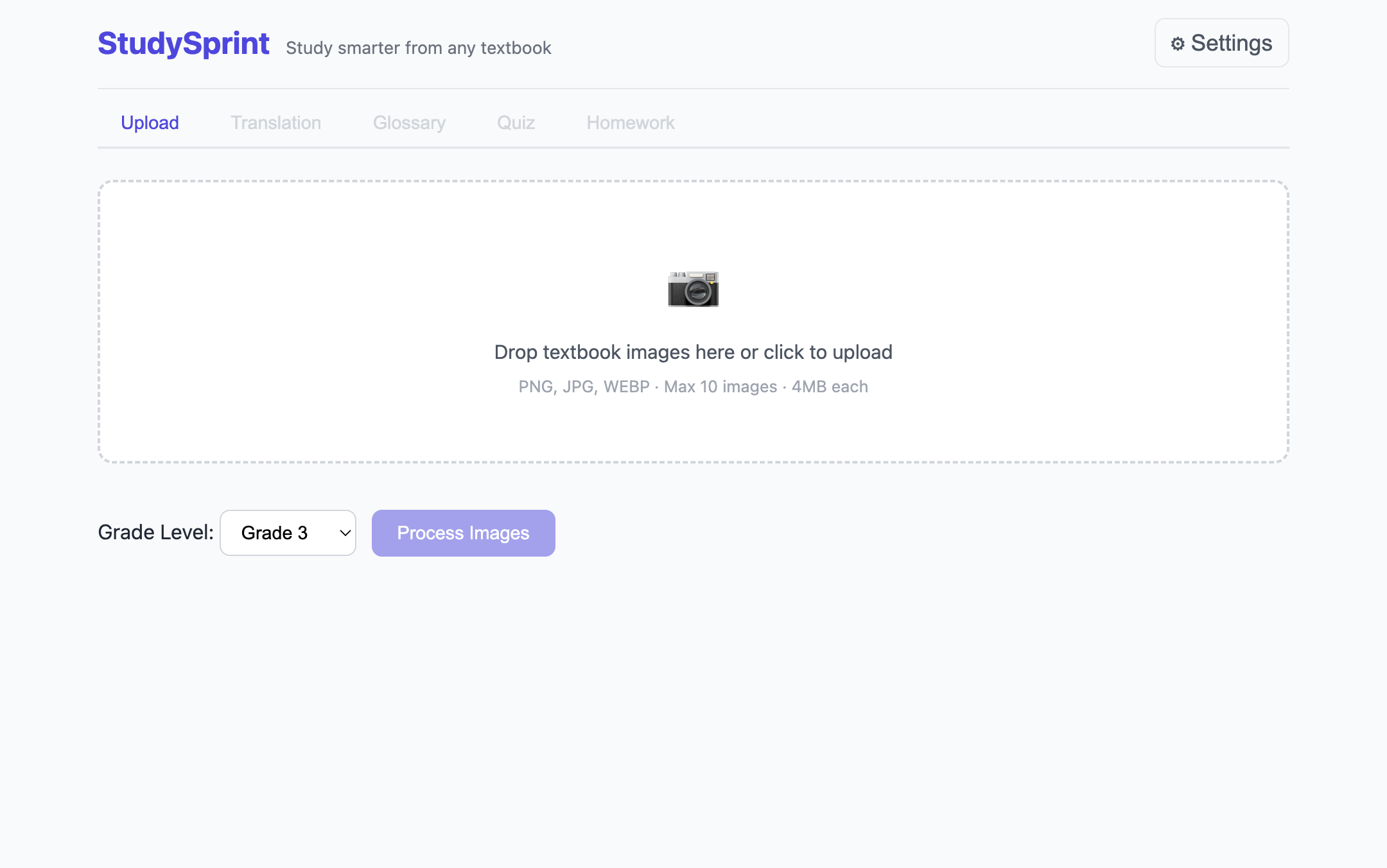
Take a photo of a textbook page and StudySprint turns it into a study pack pitched at the child’s grade level: a sentence-by-sentence translation, a glossary of the hard words, a practice quiz, and help with the homework at the end of the chapter.
The problem
My kids study from textbooks that aren’t in English. Word-by-word translation is slow, and general translators don’t know what a third-grader can follow. I wanted one tool that reads the page, explains it at the right level, and lets them practise in the language they’re actually studying in.
My role and Claude Code’s role
Claude Code wrote most of the code. I owned the problem, the decisions, the testing and the fixes.
| I did | Claude Code did |
|---|---|
| Defined the problem, users (Grade 1–10 learners) and feature set in one spec prompt | Proposed the architecture in plan mode and built the first version (12 files) |
| Reviewed and approved the plan: vanilla JS, no build step, one module per feature | Kept to that module pattern throughout |
| Hit the Gemini free-tier quota and chose to move to OpenRouter | Kept the change inside the API layer (3 files) |
| Caught a model ID that didn’t exist on OpenRouter and picked the working model | Updated the config |
Wrote the project conventions into a CLAUDE.md brief so every session stayed consistent | Followed them across sessions |
| Tested with my kids’ real textbook pages and decided what to fix | Put the fixes in place |
| Chose the translation layout from three mock-ups | Built the layout |
| Tuned the prompts for real homework pages | Wired the prompts to structured JSON output |
What testing with real textbooks changed
The first version worked. Using it on real pages showed what no spec would have caught:
- Quiz language: questions came out in English, but the child needs to practise reading the study language. Questions are now in the source language, with explanations in English.
- Sentence splitting: the text was extracted line by line, which cut sentences in half. Sentence-by-sentence extraction made each translation pair a complete thought.
- Readability: a two-column table was hard for young kids to read. It was replaced with an interlinear layout: the original in bold, the translation underneath.
- Homework coverage: tasks under a Tehtävä / Tehtävät heading (Finnish for “task/tasks”) are now always answered. Opinion questions are answered in a student’s voice, with an example.
- Default grade: lowered from 5 to 3 to match the real users.
How it works
- One vision call reads the photos, detects the language and translates sentence by sentence at the chosen grade level.
- Glossary, quiz and homework help are generated in parallel from that text. If one fails, the others still appear.
- Every prompt asks for strict JSON, so each tab renders structured data.
- Results can be exported as DOC or PDF with no extra libraries.
Stack: vanilla JavaScript, HTML and CSS with no framework or build step · OpenRouter API (Gemini 3 Flash) · built with Claude Code.
What I took away
The code was the fast part. The real work was deciding what to build, testing it with real users and real content, and making each fix cheap by getting the structure right at the start. That is the same loop I use for process improvement: define, test in the real setting, adjust.